Press
Press kit.
Everything you need to write about Anyfile: the facts, the logo, screenshots and descriptions to copy. Use them freely in articles and reviews.
- 202file types
- 17editors
- 639one-click conversions
- 0uploads
The facts
| Name | Anyfile (one word, capital A) |
|---|---|
| Website | www.useanyfile.xyz |
| Made by | Pranav Goswami |
| First released | October 2026, in beta |
| Price | Free for everyone, funded by optional donations |
| Works in | Current Chrome, Edge, Safari and Firefox, on computers, tablets and phones |
| Files uploaded | None: everything happens on the device |
| Contact | [email protected] |
Logo
Please keep the logo’s colours and shape as they are, with some space around it. The name is one word: Anyfile.
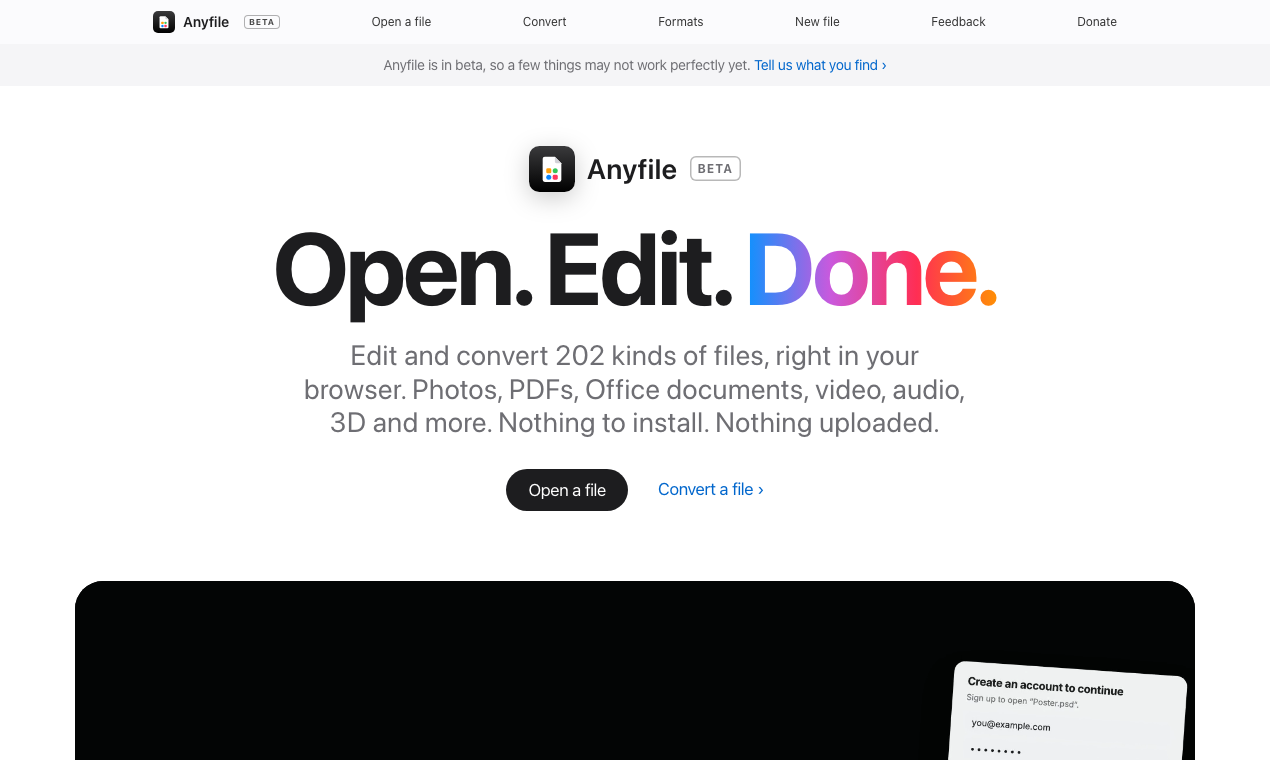
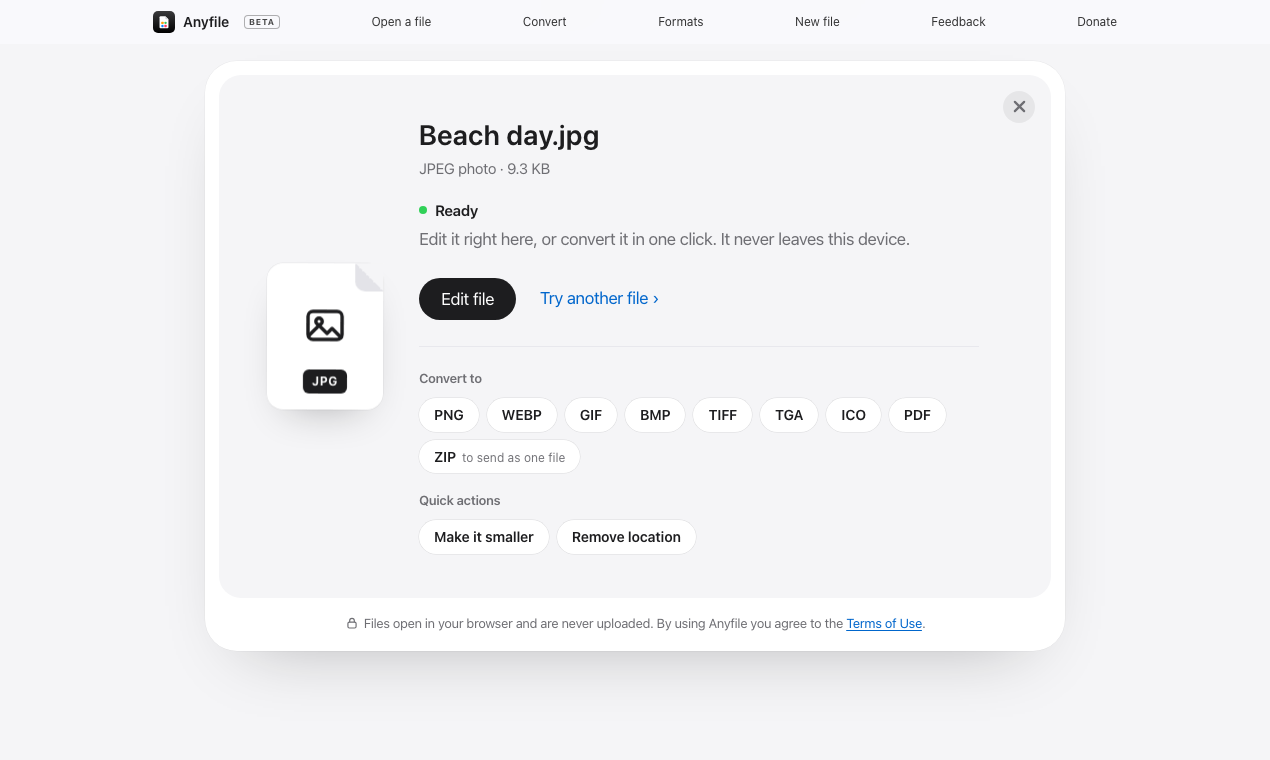
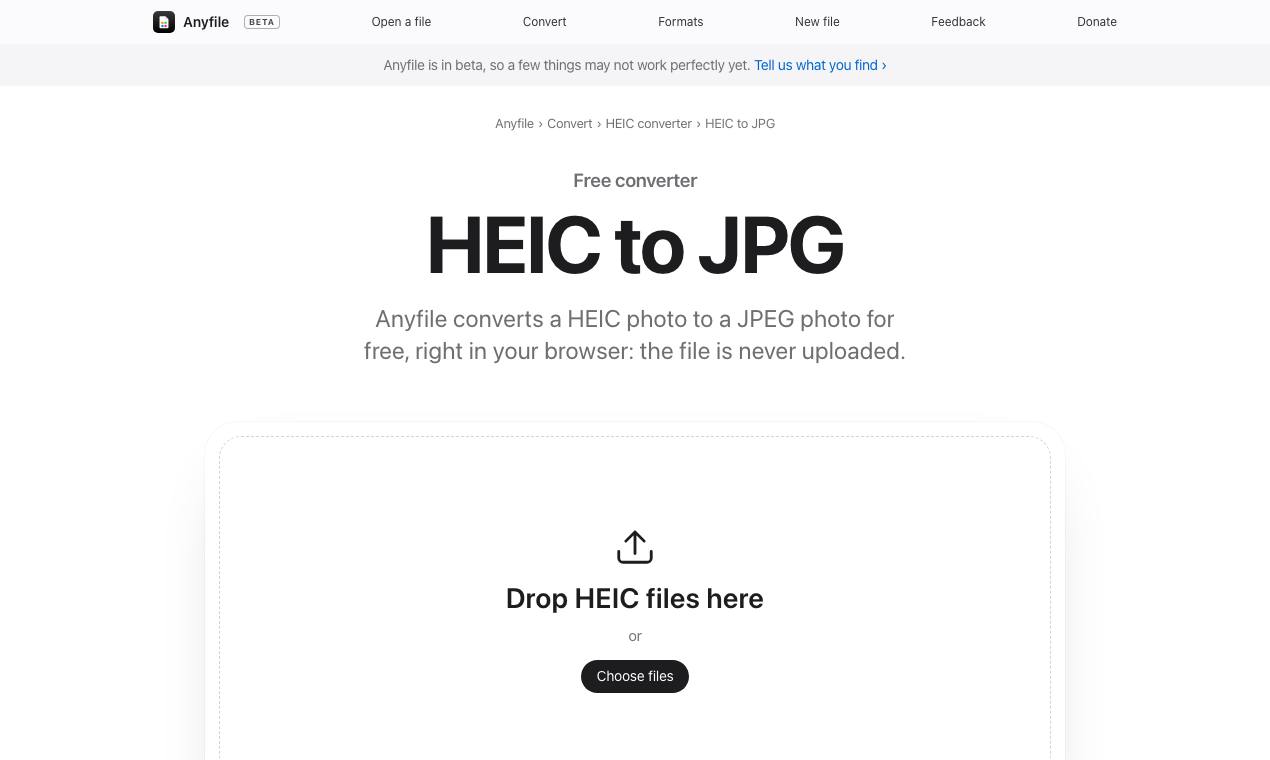
Descriptions
Short
156 charactersFree browser app that opens, edits and converts 202 file types: photos, PDFs, Office files, video, audio, 3D and more. Nothing to install. Nothing uploaded.
Long
492 wordsAnyfile is a free app that opens, edits and converts files right in your browser. Drop in a file and it opens in an editor made for that kind of file, or turns into another format in one click. There’s nothing to install, no account to make, and nothing is uploaded: every file is read, changed and saved on your own device.
It started with a simple frustration. The contract that needs one more line, the photo your laptop won’t open, the video that’s too big to send: each one usually means finding an app, making an account, or uploading a private file to a stranger’s server. Anyfile does the job where you already are, and hands the file back.
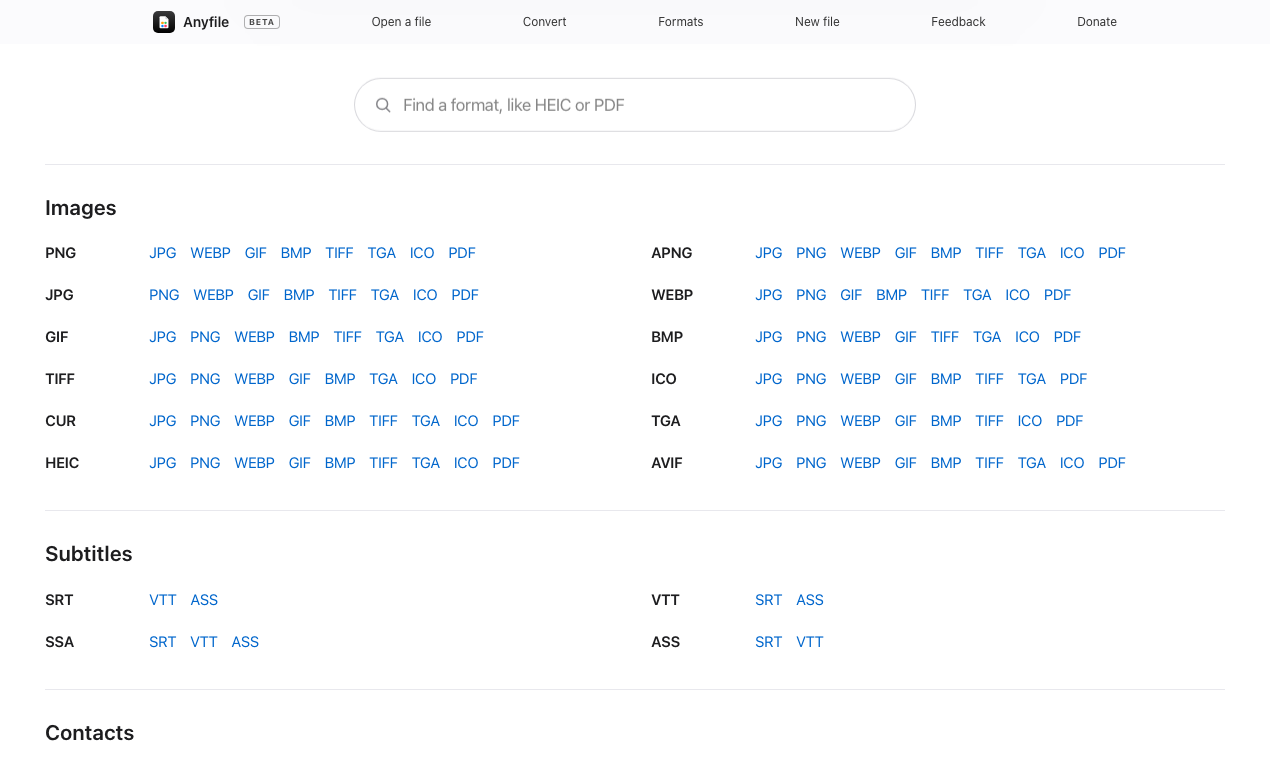
Today it opens 202 file extensions across 17 editors. Photos (including iPhone HEIC), layered Photoshop, OpenRaster and Aseprite files, PDFs, Word, Excel and PowerPoint documents and their OpenDocument cousins, audio, video, 3D models, diagrams from draw.io, Mermaid, Visio and more, ZIP, 7z and tar archives, SQLite and dBASE databases, subtitles, contacts, calendars, colour LUTs, and 80 kinds of text and code. Each editor does real work: crop and adjust a photo, sign and merge a PDF, edit a Word document on its own pages, run formulas in a spreadsheet, trim a video, fade a song, repair a 3D model, sync subtitles to your video.
Converting is just as direct. Drop a file and Anyfile shows every format it can become: 639 one-click conversions, from HEIC to JPG and Word to PDF to MOV to MP4, STL to OBJ and SRT to VTT. Each one is made by the same engine as the editor, so a conversion is as good as an edit. Drop several files to convert them together, or turn a stack of photos into one PDF. Quick actions make a picture, PDF or video smaller, take the location out of a photo, or split a PDF into pages. And when something can’t make the trip, like transparency into a JPG or textures into an STL, Anyfile says exactly what changed.
Privacy isn’t a setting; it’s how Anyfile is built. Files are opened with the browser’s File API and processed on your device by the browser’s own decoders and Anyfile’s code. The page’s security policy only lets it send data to its own address, and it never sends file data anywhere. You can check: open your browser’s developer tools, watch the Network tab, and convert a file. Nothing is uploaded.
Anyfile works in current versions of Chrome, Edge, Safari and Firefox, on computers, tablets and phones. Install it from the browser and it appears in your computer’s “Open with” menu, and editors you’ve used keep working offline.
It’s in beta, made by one person, and free for everyone: no ads, no subscriptions, no paywalls. If it saves you time, there’s an optional donation link. Feedback goes straight to the maker from any page, and formats people ask for most come next.
Contact
For interviews, questions or anything else for a story, write to [email protected]. To see how Anyfile keeps files on the device, read How Anyfile works; for who makes it and why, About Anyfile.